

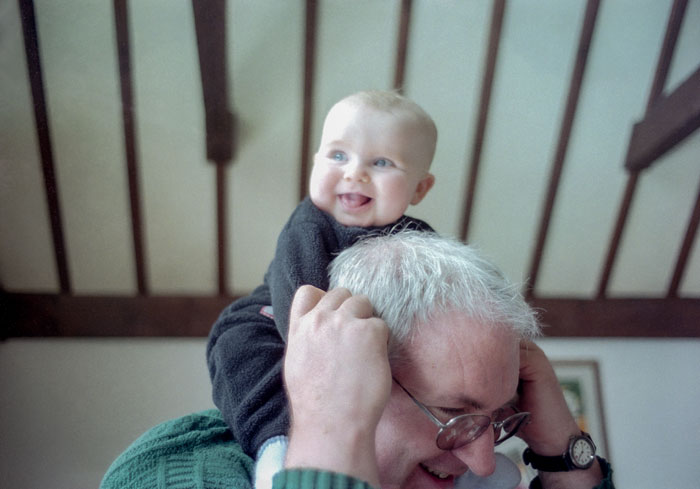
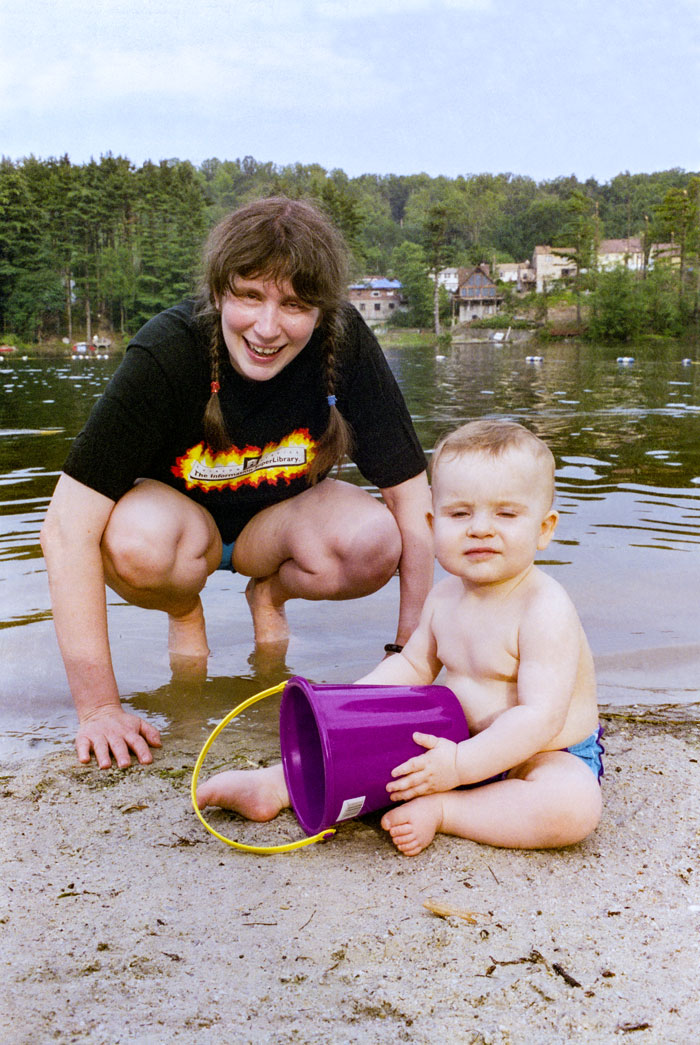
Happy kid
I just scanned this old color negative and I wanted to fix it up. I'm writing in June of 2026 and using consumer-level Photoshop restoration tools. I'm making certain to include the date because the tech is changing so rapidly; there are already tools in PS—AI Denoise, for instance—that I've barely started to use. As far as I know, though, at this point in time there is no automatic process that will enhance an original in a way that doesn't give it what any careful observer would call an AI sheen.
AI sheen results from the algorithm modifying original detail and replacing it with results gleaned from massive-scale image-harvesting. A glint in the eye becomes an uber-glint, an idealized and
unimaginative replication. The AI can't find the true
and very particular details the human brain can distinguish and the results are unsatisfying. Reality is smoothed and typified. We replace the poem, in effect, with the Hallmark
card. (I acknowledge that this is a temporary issue.)
As the details illustrate I'm no stranger to the AI, just not in the terribly obvious way that PS restores
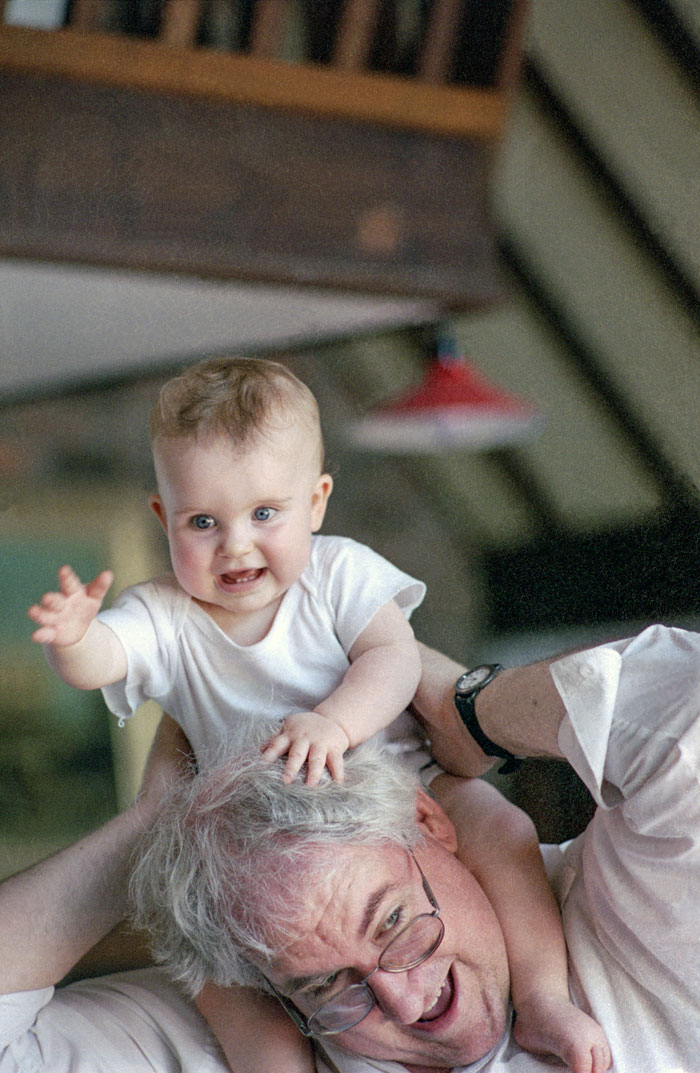
a photo with its Neural Filter. In this picture I adjusted the geometry of the original, tilting it slighty and pulling
on its corners to eliminate lens distortion. This created some empty areas, particularly across the left-to-center bottom of the frame. I populated these areas using Generative Fill. In this case the fill was not particularly successful,
requiring me to magnify the image about four-hundred percent and replace problems with the Clone Stamp.
Tone and color were carefully adjusted as a matter of course. I also got rid of a distracting lamp in the shadowy lower-left corner using a combination of the Remove tool and the Clone Stamp. Odd that I have to say that this was a purely human decision, a matter of taste, and odder still that it leaves me with the mixed feelings I have whenever I distort reality this way. I don't know why this sets off ethical alarms in my head but it always does.
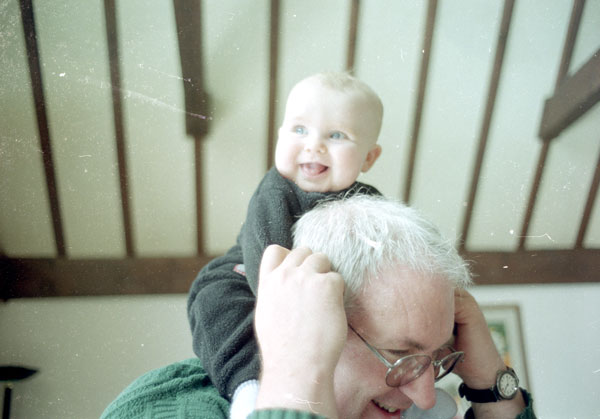
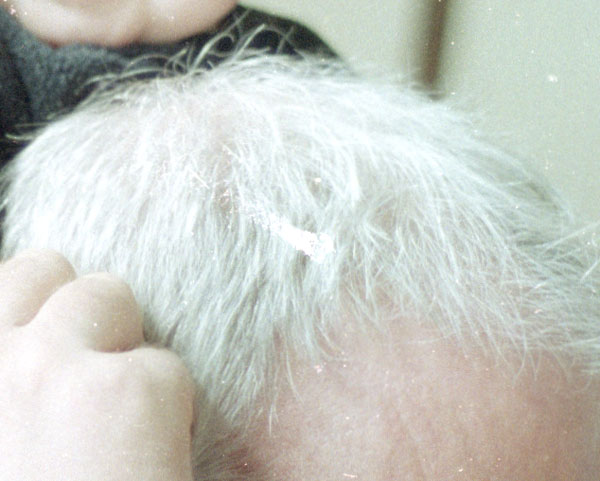
The details below illustrate the most serious problem, the deterioration of the original negative. I didn't store my negatives properly and decades later I'm seeing the results. This particular roll also suffered from strips of plastic that Kodak affixed to developed film during this period. Designed to protect the negative, the strips could be easily flipped aside for scanning; twenty-five years later they had become attached to the negative and were not removable without a twenty-four hour soak in Kodak Photo-flo and distilled water.
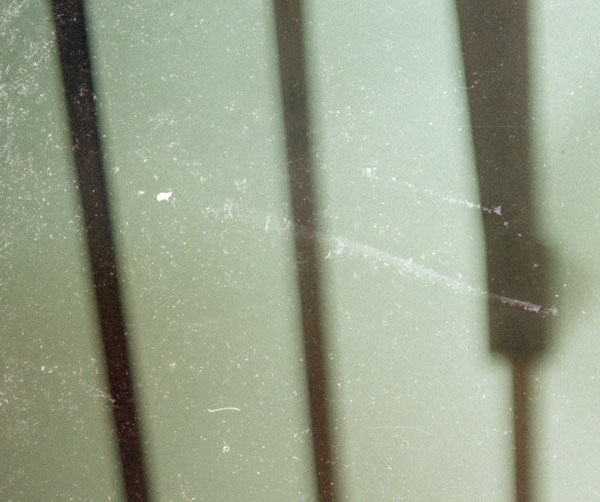
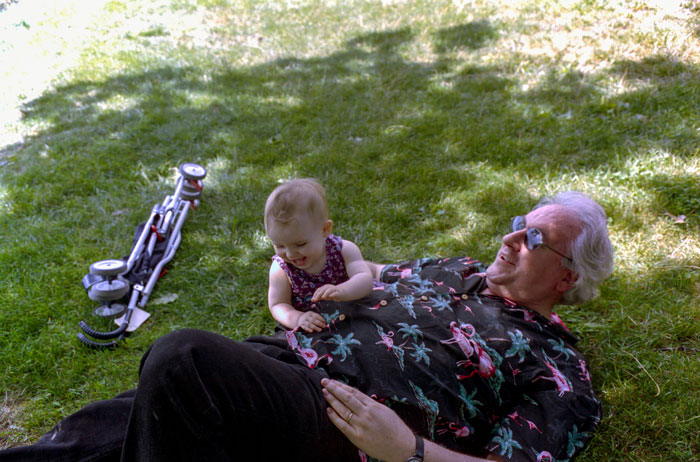
The white dots of deterioration are in every part of the image amd particularly concentrated in the upper left corner. As Detail 2 illustrates, parts of my hair were also replaced with jagged white shapes. At this point in time, there is no way to run an algorithm and replace this stuff. I expect this to change with tools like the Texture slider in the Raw Filter tool, but for right now there is no way to fix it in a satisfying way without eliminating the damage one spot at a time—by hand, so to speak, an archaic description! I use the new Remove tool with high magnification to replace the flaws. It's marketed by Adobe as a means to eliminate tourists in one's snap of the Eiffel Tower, but I've found it to be more useful on a micro level, and better than the Spot Healing brush which softens the pixels a bit.
We're very much in the middle of a long process that will eventually be entirely automated. This is the state-of-the-art in the middle of 2026, for this consumer at least.
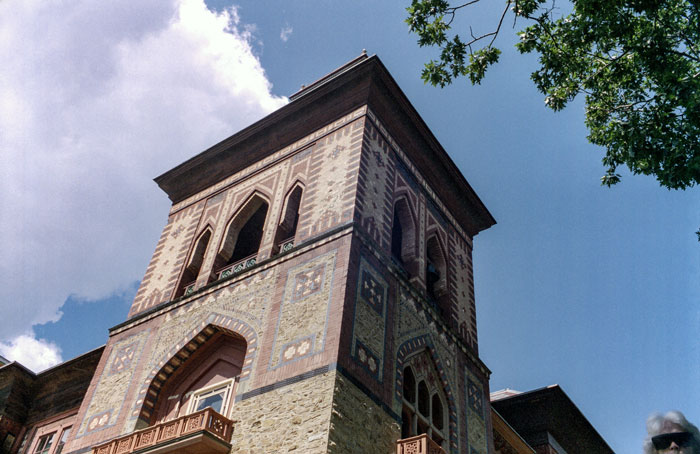
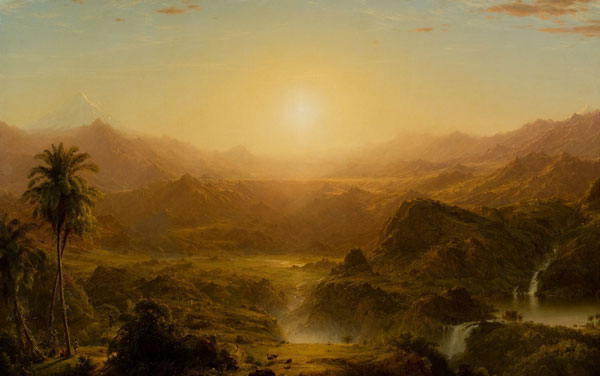
 Two hours to the north of Garrison along the mighty Hudson lies Olana, the home of Hudson River School painter Frederick Church.
He designed the house and modified the grounds to make the most of its hilltop above the river, and the original Orientalist furnishings inside are more-or-less intact. It's an extraordinary structure and we were desperate for day-trips.
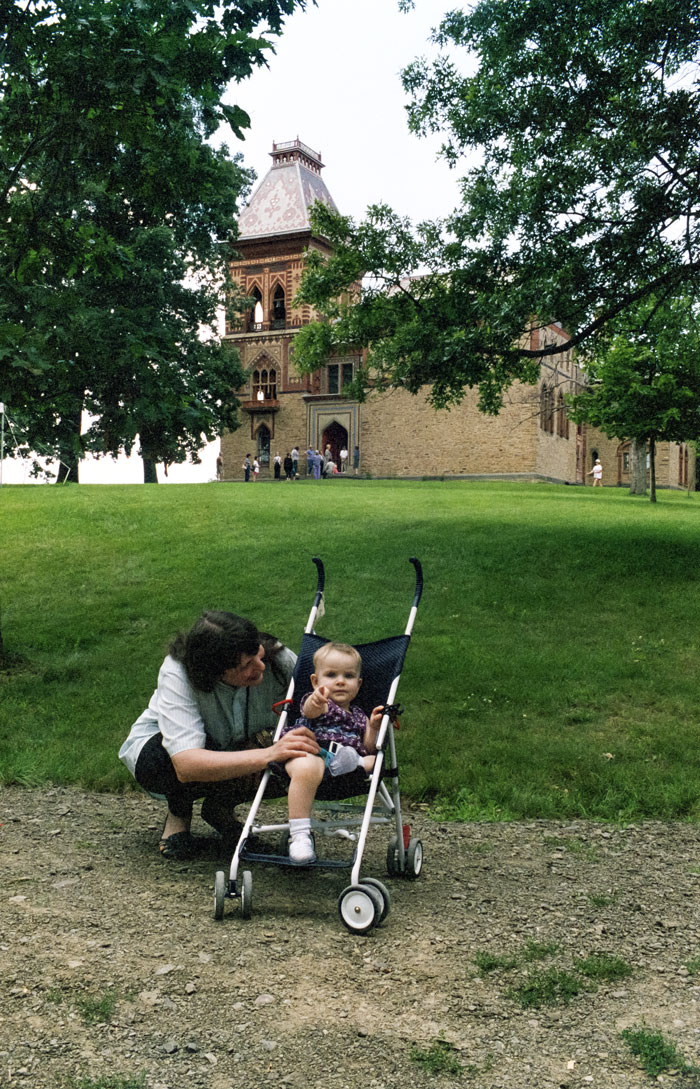
This particular image of Olana’s tower looks like one of the matte shots in Vertigo during the sequences at the Spanish mission.
Two hours to the north of Garrison along the mighty Hudson lies Olana, the home of Hudson River School painter Frederick Church.
He designed the house and modified the grounds to make the most of its hilltop above the river, and the original Orientalist furnishings inside are more-or-less intact. It's an extraordinary structure and we were desperate for day-trips.
This particular image of Olana’s tower looks like one of the matte shots in Vertigo during the sequences at the Spanish mission.